Your design system, ready for your AI.
500+ accessible Tailwind components, blocks and Next.js sites in your brand’s look. Claude Code and Cursor add them by MCP, or you install or copy them.
- Free to start
- MCP, CLI and shadcn
- Light and dark
- WCAG 2.2 AA
Try it: pick a theme.
This checkout is a real design from the library. Click any theme and it restyles live, in the same code you would copy.
Theme
Prism
Fintech indigo, floating cards
Set in Manrope
Light
Dark
Buttons
Depth
Get it into your project, your way.
Every design comes three ways, all in the theme you saved: your AI tool, the CLI, or copy and paste.
Ask your AI tool
Claude Code, Cursor and any MCP client search the library and add designs for you.
Set up MCPAdd it with one command
The CLI finds your stack, Next.js, React or HTML, writes the file and sets up dark mode.
Get the CLICopy the code
Every design page has HTML, React, Next.js and shadcn, ready to paste, light and dark.
Browse blocksClick anything. Change it by hand, or just ask.
Every component opens in the editor. Change it in the panel or ask the AI, then copy HTML or React with every change already written in.
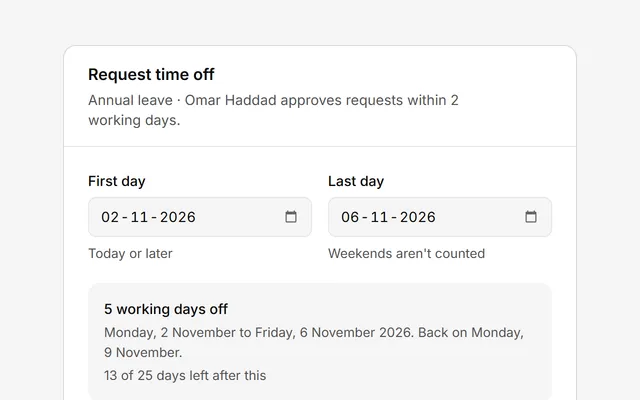
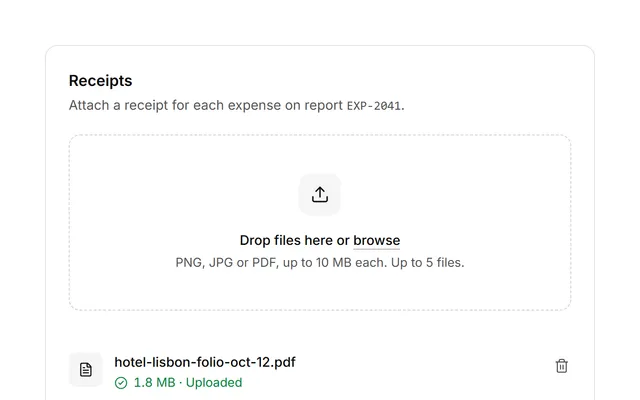
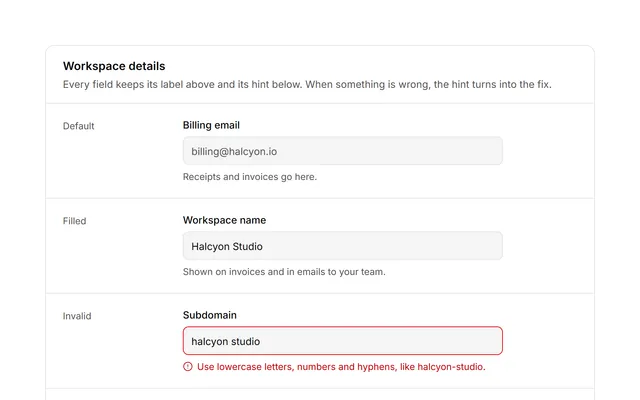
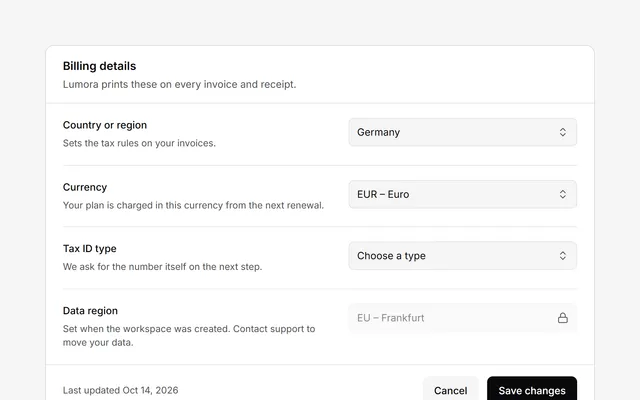
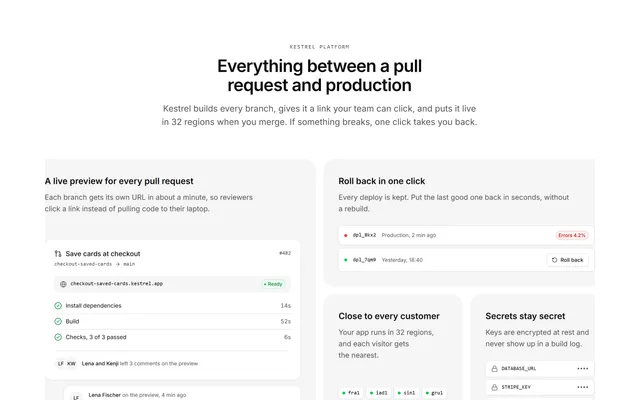
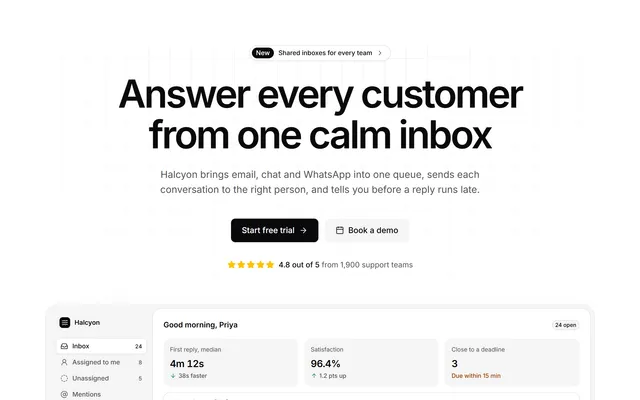
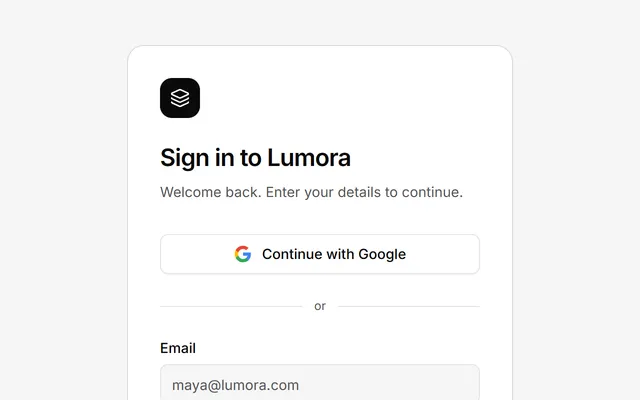
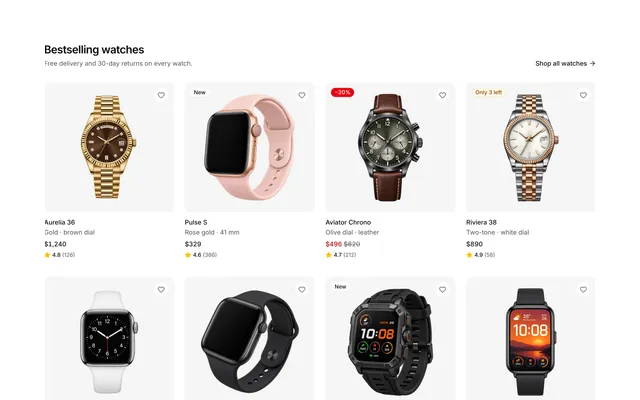
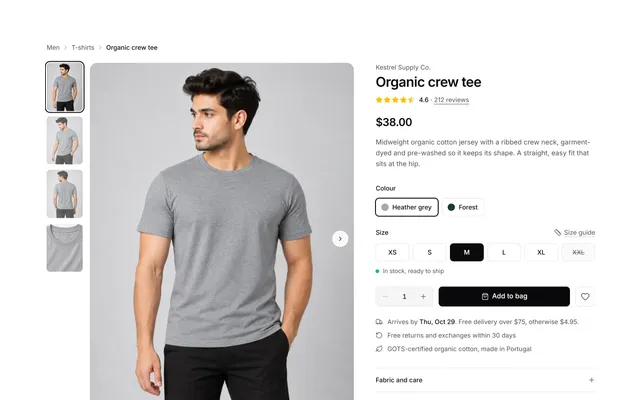
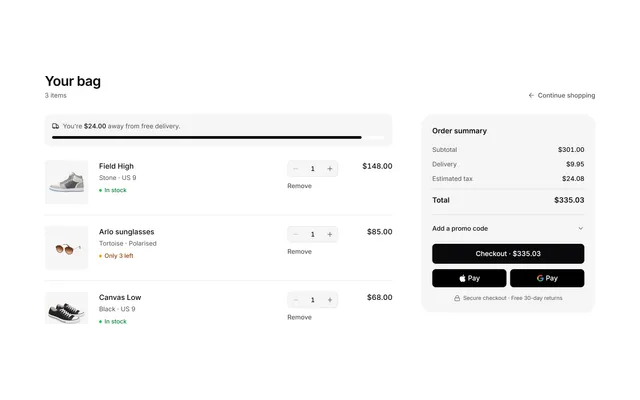
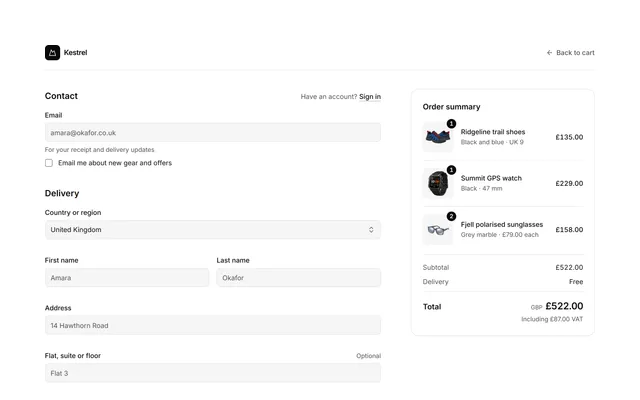
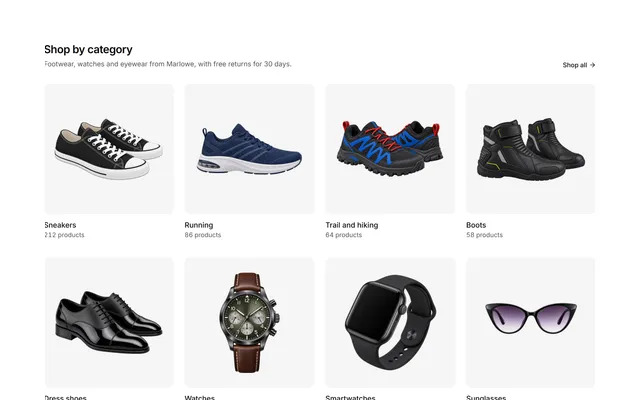
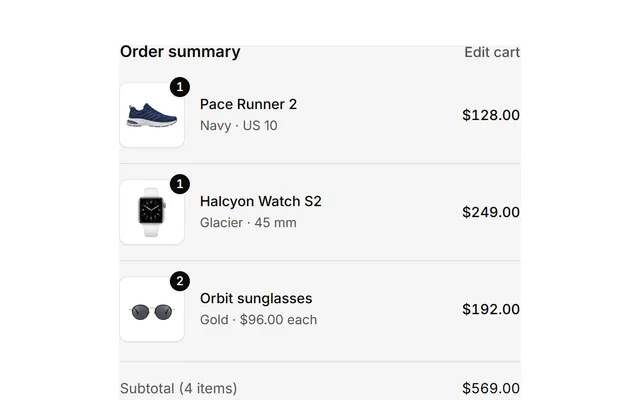
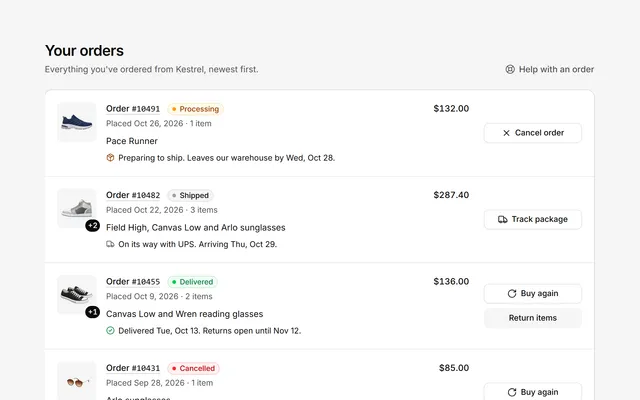
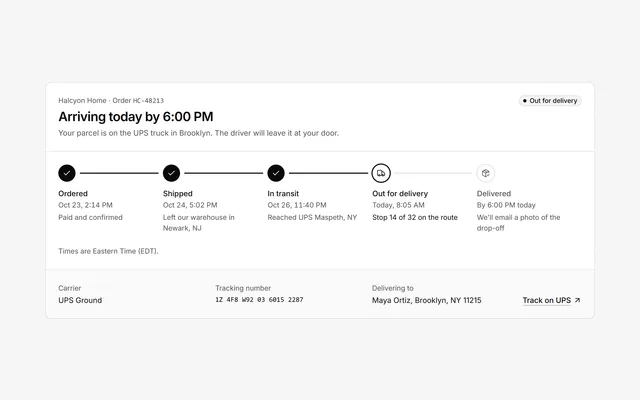
The parts of a real product, already built.
Components for the details, blocks for whole sections, and complete pages for when you need to launch this week.
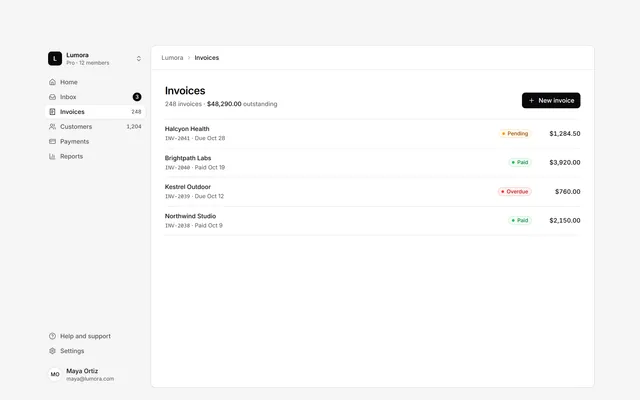
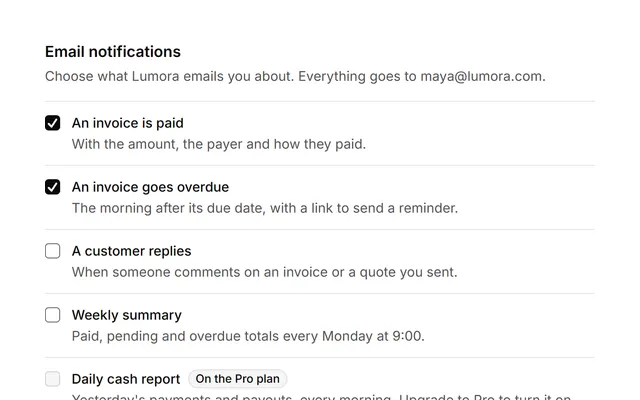

Don’t take our word for it.
I was able to build a full dashboard UI in a few hours. The consistency across components really makes a difference compared to AI-generated code.
“What I like most is that these components actually feel production-ready. No need to fix spacing or accessibility issues.”
“The ability to copy components with or without dark mode is super helpful. It keeps my code clean and saves extra effort.”
“The UI designs are top-notch and very well thought out. They saved me a lot of time in my development process. Excellent resource!”
“The components are beautifully crafted and highly customizable. They perfectly matched my project’s branding needs. Great job!”
“Thank you for providing practical and working examples. The designs are not only functional but also beautifully elegant, enhancing the overall user experience.”
“It is an excellent source of modern components ready for immediate use. It significantly reduced my design workload. Thank you!”
“Amazing work. The MIT license makes it even better. I really appreciate the flexibility and quality of the templates.”
“These templates are exactly what I needed for my rapid application development projects. Thank you for the great work and dedication!”
Start free. Pay once, or as you go.
Pro by the month or the year, or Lifetime for one payment. Prices include tax.
Free
$0
Free for as long as you like
Browse free components- Free components and blocks
- 12 themes
- Edit free components in the panel
- Copy HTML, React and Next.js
- MIT license
Pro
$79per yearSave 27%
$6.58 a month, billed yearly
- Every premium design and all 22 themes
- 200 AI credits every month
- Every Next.js site
- Design skill for Claude Code, Cursor and Codex
- MCP server and CLI for your AI tools
- React for edited components
- Save to My Library
- Commercial license
Cancel anytime · 14-day refund guarantee
Lifetime
Best value$149once
Pay once, keep it for good
- Everything in Pro yearly, for good
- Every future design, theme and Next.js site
- 500 AI credits included
- Design skill for Claude Code, Cursor and Codex
- One payment, no subscription
- Commercial license
14-day refund guarantee
Need more AI credits?
Pro and Lifetime can add a credit pack, up to 3 a month. Pack credits never expire.
100 credits
$5
300 credits
$12
Questions, answered.
What is ReadymadeUI?
ReadymadeUI is a library of 500+ Tailwind CSS components, blocks and e-commerce sections, with Next.js sites, and an editor to go with it: give everything your look with a theme, change any component by hand or with AI, and copy it as HTML or React.
What’s free, and what needs a plan?
The free components and blocks, 12 themes and the editor’s panel are free. Pro adds the full library, all 22 themes, AI edits, React for edited components and saving to My Library; billed yearly, it adds every Next.js site too. Lifetime is all of that for one payment.
How does billing work?
Pro is $9 a month or $79 a year, with 200 AI credits every month. It renews each billing period; switch between monthly and yearly or cancel anytime, and you keep access until the end of the period you paid for. Lifetime is $149 once: everything, now and future, with 500 AI credits.
How do AI credits work?
Credits go by the size of the edit. The smallest edits, like new text or a color, use 1 credit; bigger ones, like a new layout or a large component, use more. If an edit fails on our side, the credits go back. Pro’s credits renew every month; Lifetime’s 500 never expire. Running low? Add 100 credits for $5 or 300 credits for $12, up to 3 packs a month. Pack credits never expire, and are used while you have Pro or Lifetime.
Can I use ReadymadeUI in client projects?
Yes, in personal, client and commercial projects, as many as you like.
Which version of Tailwind CSS is it built on?
Tailwind CSS v4, with your own build or the CDN script. Add one line for dark mode and load your theme’s font: the setup guide shows how.
Do I get future updates?
Yes. New components, blocks, e-commerce sections, Next.js sites and themes are added regularly, and the editor and its AI keep getting new features. All of it is yours while you’re subscribed, and for good with Lifetime.
What’s your refund policy?
You can ask for a refund within 14 days of your first subscription payment, or of your Lifetime purchase. Email support@readymadeui.com with your purchase details. See the full refund policy for how credits you have used count.
Still have a question?
Email us and we’ll get back to you.
support@readymadeui.comOr find it in the docs: short guides to every feature.